Widget Preview:
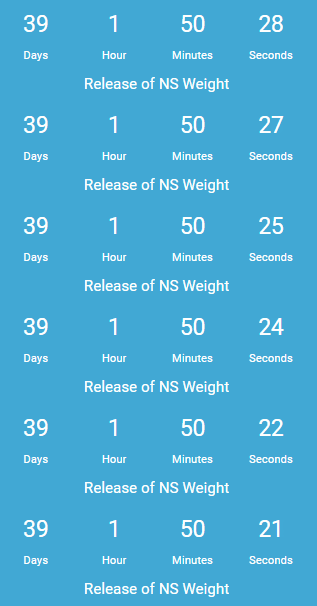 </div>
Shortcode Template:
[countdown event="Until next release" date="17 June" hour="13" minutes="45" seconds="00" format="DHMS" link=false]
Description
Add jQuery count-down/count-up timers to your blog sidebar easily. Supports color customizations & multiple instances. Just drag and drop. No coding required!
Documentation & Simple Tutorials to Get You Started:
- Countdown Widget Help
- Countdown Shortcode Usage
- Customizing Countdown Widget Using CSS
- Creating a Halloween Countdown on your sidebar
- View all posts tagged Countdown Widget
If you like this plugin, please donate.
Please report issues on Github Issues Page. Visit source on github
Are you interested in translating this plugin? Help us translate.
Installation
- Download the widget and upload it to your server through
WP Admin -> Plugins -> Add New -> Upload - After the upload is complete activate the plugin.
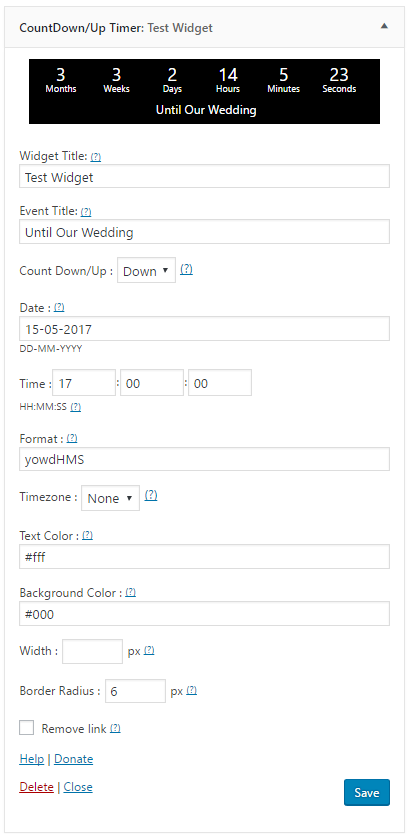
- Go to Appearance -> Widgets page, drag and drop the widget to your sidebar.
- Fill in the blanks as needed, and done!
Screenshots
Feedback & Contribution
You can ask your questions, or contribute to this plugin on Countdown Widget Github Repository